You know how to tokenize text, but now what can you do with it? In this tutorial, you will learn how to use regular expressions along with NLTK.
To start this tutorial, create a file named regular-expressions.py and import the following modules:
from nltk.tokenize import word_tokenize
import re
You will use the same text from the previous tutorial, âTaming of the Shrewâ, and the same read_file function, so add to your code:
def read_file(filename):
    with open(filename, 'r') as file:
         text = file.read()
    return text
Like you saw in the previous tutorial, you will have to normalize your text and tokenize it in order to get the words, so add the following code:
text = read_file("shakespeare-taming-2.txt")
words = word_tokenize(text)
Now, letâs talk about the search function. The search function is present in the re module and it takes two parameters: the first is a RegEX patter and the second parameter is the string which you want to apply the pattern. For example, letâs say you want to search all words that start with âaâ in the string "abc def" . The code you will write is:
re.search("^a", "abc def")
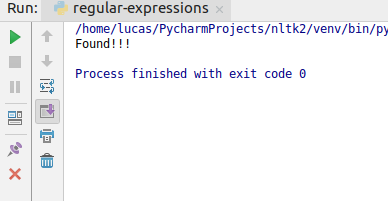
A useful thing to note is that you can use the search function in an if statement, so the following code will print a message if the pattern is found:
if re.search("^a", "abc"):
    print("Found!!!")
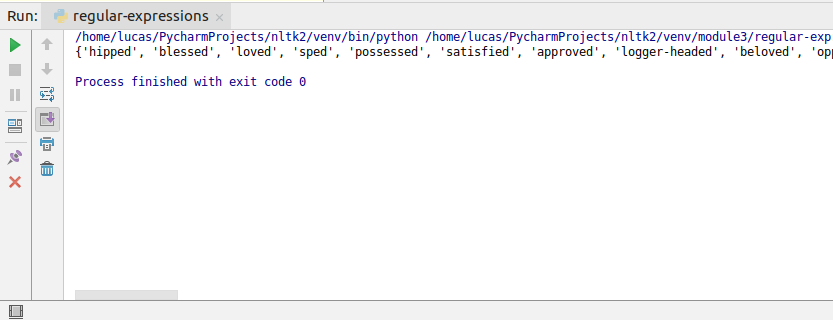
You can use it as well in list comprehensions to find words that end with âedâ, for example:
words_ending_with_ed = [w for w in words if re.search("ed$", w)]
Talking about RegEX, you cannot forget about ranges and closures. Letâs say that you want to find all words that end with one or more âeâ. You can use the +Â operator:
words_ending_with_one_or_more_e = [w for w in words if re.search("e+$", w)]
Similarly, you can use *Â operator to search for zero or more occurrences of a certain pattern. So if you want to see all words that end with zero or more âeâ, you can use:
words_that_may_end_with_e = [w for w in words if re.search("e*$", w)]
from nltk.corpus import gutenberg, nps_chat
import nltk

moby = nltk.Text(gutenberg.words('melville-moby_dick.txt'))
As you can see, in this example we are going to use a text present in Gutenberg corpus.
The findall method expects a regular expression as its parameter but its regular expression is a bit different from the normal regular expression. The Text class receives a tokenized list of words and when you call the findall method, you need to specify these tokens.
Letâs say you want to search sentences that that start with âaâ, some word and end with âmanâ. In this example, you need to search three tokens where the second word can be any word. So the code for this is:
print(moby.findall(r'<a><.*><man>'))
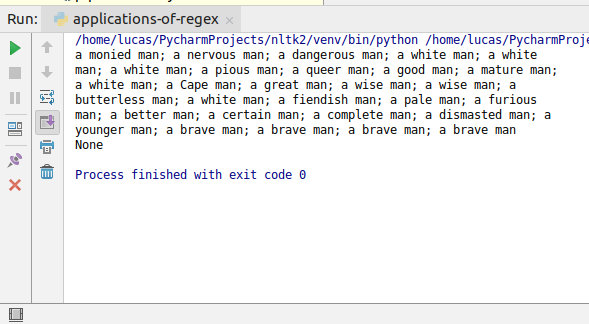
As you can see, the tokens are separated with <> and for each token, you have to specify the RegEX. To make it more clear, letâs see another example using nps_chat corpus.
chat_obj = nltk.Text(nps_chat.words())
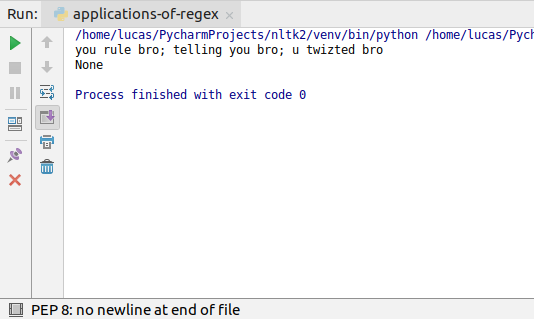
Letâs say you want to search sentences with three words that end with âbroâ. Given that only the last word matters, you can use <.*>Â for the first two words, to accept anything, and <bro>Â for the last one. So the code you will use is:
print(chat_obj.findall(r"<.*><.*><bro>"))
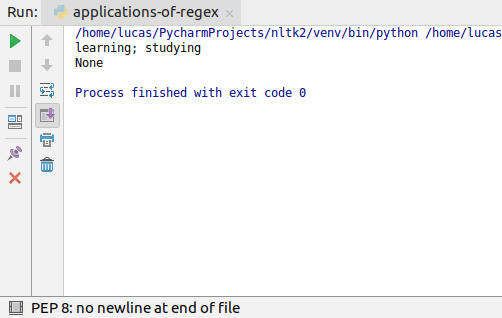
Now, letâs create our own nltk.text.Text object. To create a Text object, you need a list of words, so first create a string:
text = "Hello , I am a computer programmer who is currently learning and studying NLP !"
and tokenize it:
our_own_text_obj = nltk.Text(nltk.word_tokenize(text)
And now you can use the findall method:
print(our_own_text_obj.findall(r"<.*ing>"))
Note that as this is an nltk.text.Text object, you can use all the functions mentioned in the previous tutorials such as concordance , similar and count .
This is all for this tutorial. If you have any question, feel free to leave it in the comments below.
https://www.udemy.com/natural-language-processing-python-nltk/?couponCode=NLTK-BLOGS